Report content settings
Under Settings › Report Content:
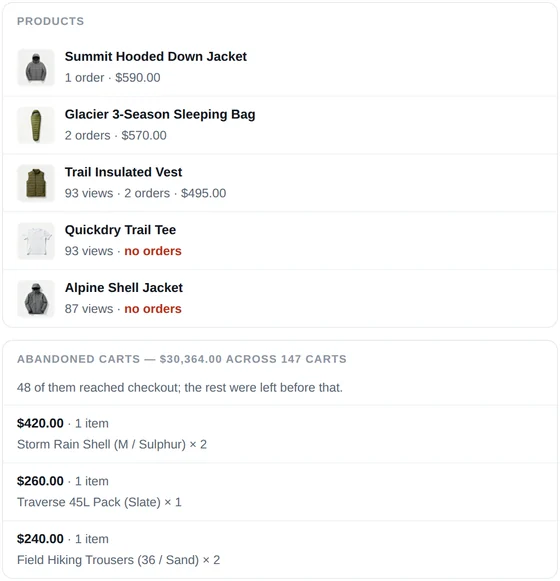
- Report currency. Your store currency by default. Pick another and all revenue figures in the report are converted to it.
- Group abandoned carts by currency. For stores that sell in several currencies: lists abandoned carts per currency instead of one combined list.
- Include all currencies, or select the currencies whose data the report includes.
- AI summary in the daily report. A few sentences on what stood out, written by AI from the report's figures. It is on by default. To write it, CartSpy sends that day's totals and product names to OpenAI, never customer data. Switch it off here and nothing is sent.